Creating Your TimeTailor Account
Everything you need to know about creating your salon software account!
1. How do I create a TimeTailor account?
Open your browser, visit our Homepage, and click the Start Now button to begin the signup process! We suggest creating the account from your laptop or computer and completing the onboarding process there. Once everything’s set up, you can download the TimeTailor salon appointment app on any iOS or Android device and start using your new system!
1. Start as a reseller, agency or partner
2. Start as a salon owner or manager
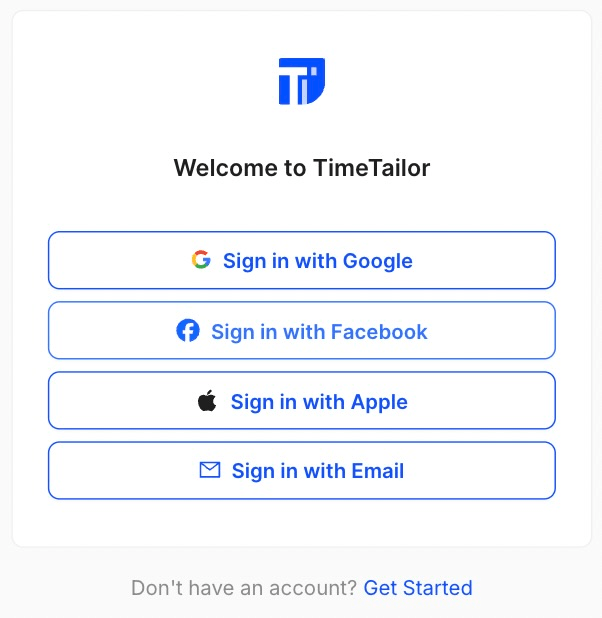
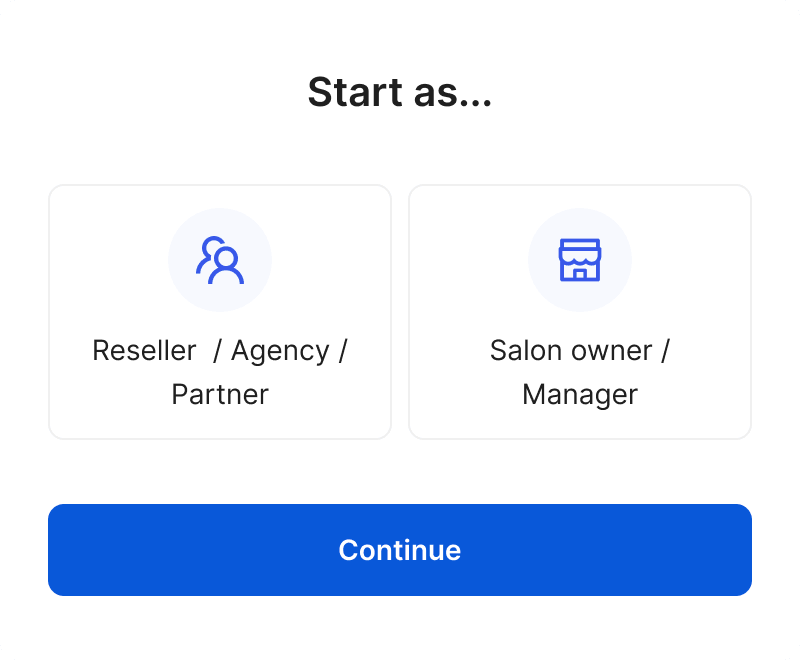
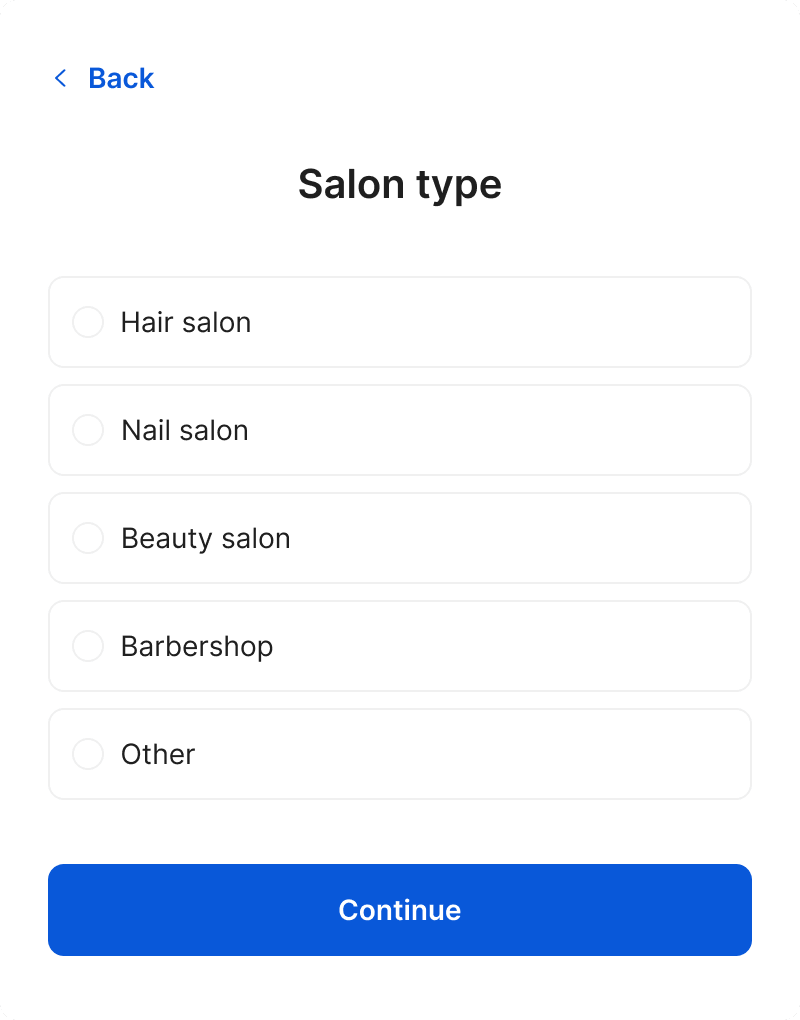
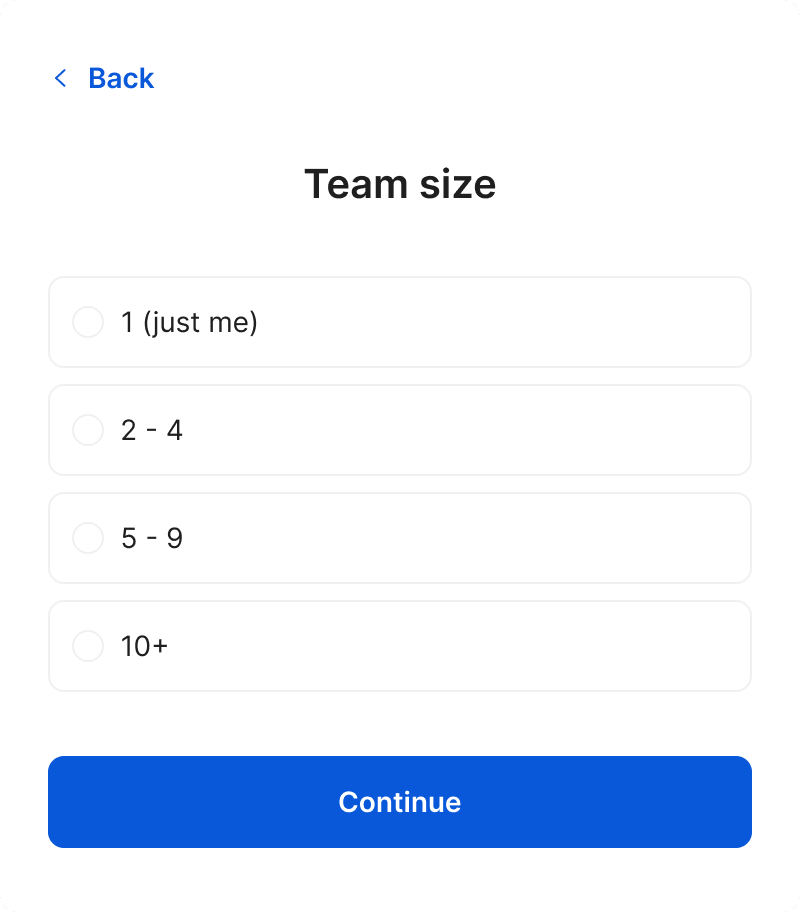
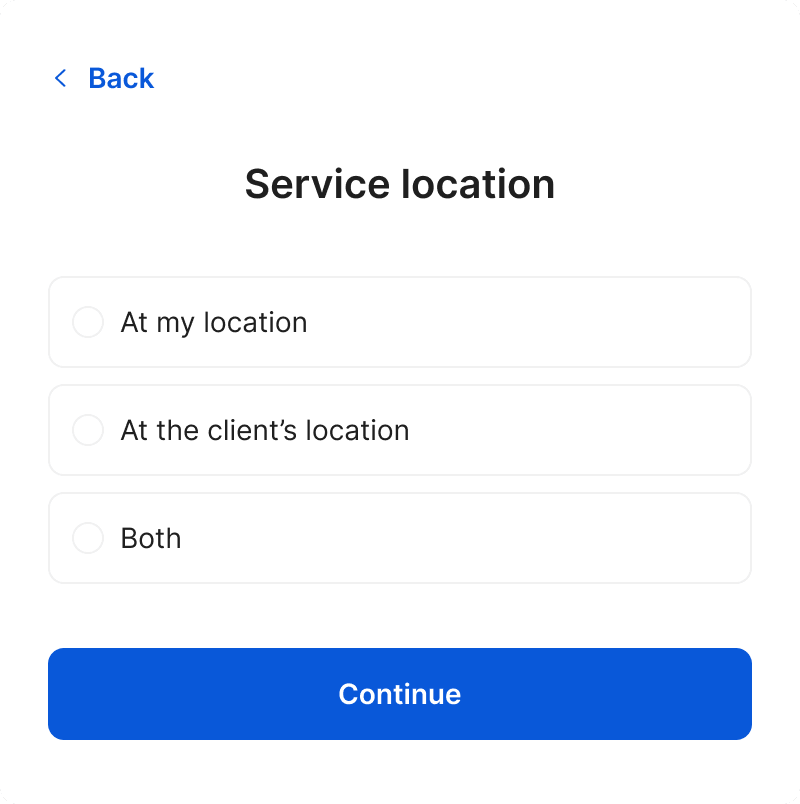
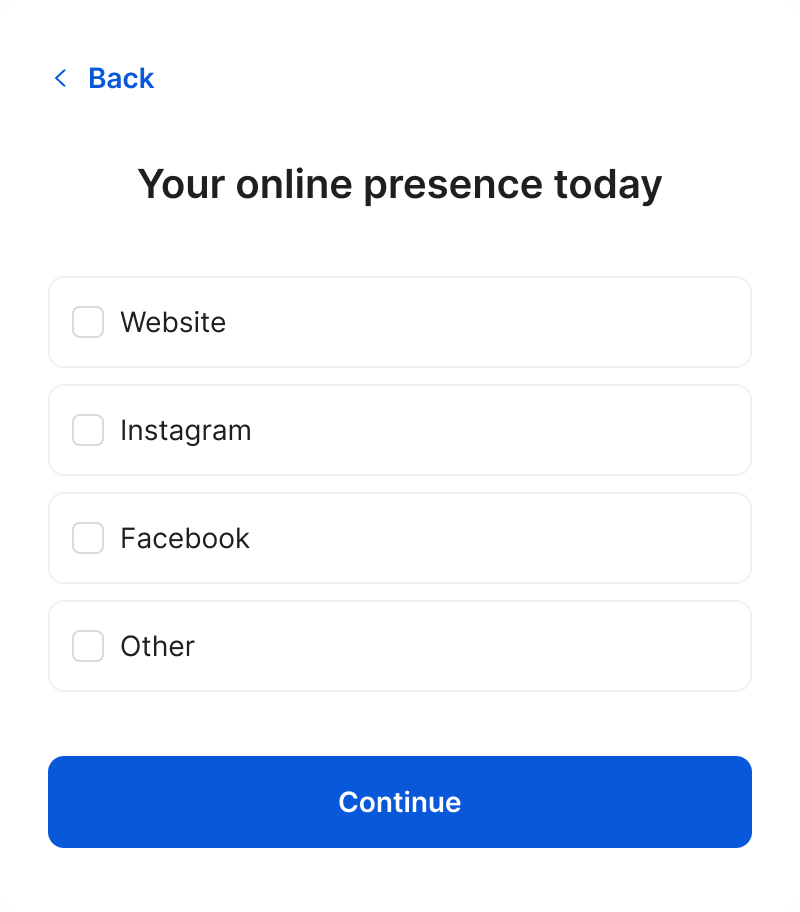
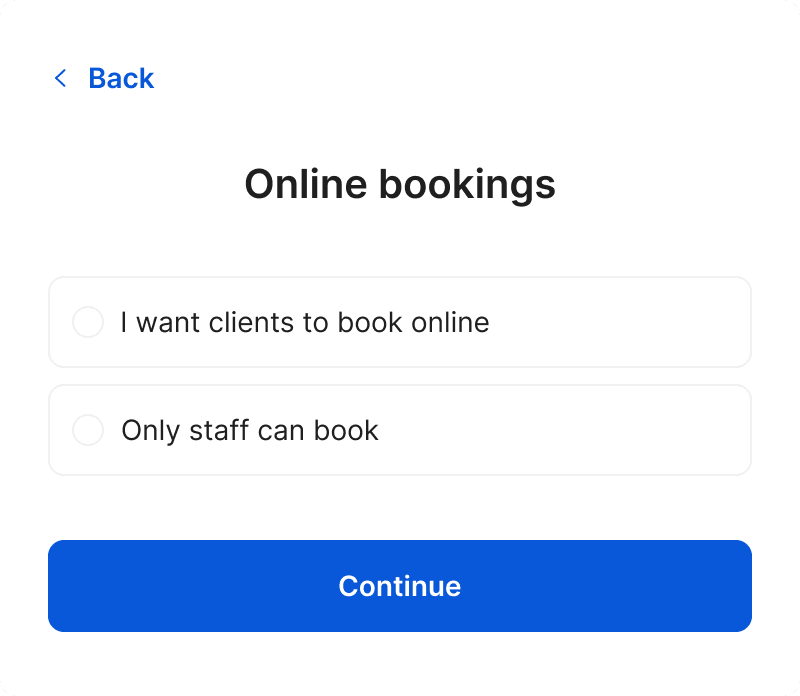
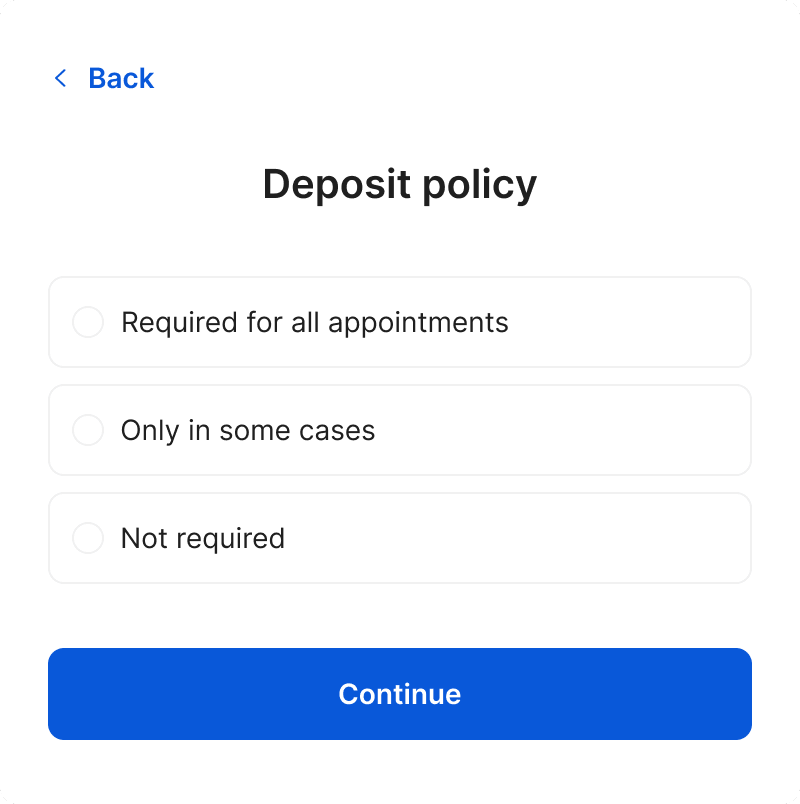
Finalize with the business name, your first name, your phone number, and you're set!
2. Can I sign up using Google, Apple, or Facebook?
Of course! You can sign up using your Google, Apple, or Facebook account for a quick registration.
3. Can I use a personal email for my account, or should it be a business email?
You can use either one! The personal email can be quickly set up if you don't have a business domain yet or if you are the sole owner of the salon, while the business email looks more professional to clients and makes it easier to manage multiple users and staff accounts. It's up to you!
4. Do I need a separate account for payments?
No! TimeTailor includes a built-in payment processing system, so you can accept card and mobile payments (Visa, Mastercard, American Express, Apple Pay, Google Pay) directly inside the app.
5. How do I contact support for account-related issues?
For immediate assistance, you can contact our support team 24/7 via live chat! You can also email us at support@timetailor.com, and we'll respond as quickly as possible.
Send your details - we do the rest!
We offer all you need for a thriving salon: website & logo creation, instant profile setup, 1:1 staff training payment system integration, intuitive appointment management, and more!
Start Now
TimeTailor’s salon appointment software is an all-in-one salon online booking system for freelancers and small business owners. We also optimize or create a website for your salon. This POS system allows you to take deposits and manage payments.