Frequently Asked Questions About Our Product and Your Account
Everything you need to know about our salon management system and your account!
1. Is TimeTailor free for salons?
TimeTailor is free for manual appointments, so salon owners can manage their schedule and clients in one place. This includes unlimited staff & experts. Only for online bookings, customers pay a small 3.9% booking fee at checkout, keeping the platform free for beauty professionals. No risks, just results!
2. Who can use this salon booking app?
The TimeTailor salon booking software was created for freelancers in the beauty services (nail techs, makeup artists, hairstylists) and salon owners running both small and more established businesses, providing features that are suitable for all entrepreneurs working in this space!
3. What devices do I need for this system?
You can use the TimeTailor salon management software on any iOS or Android device! That includes smartphones, tablets, and computers, making it perfect for all beauty businesses!
4. Do my clients need to create an account to book an appointment?
No! Each salon is provided with its unique booking link that can be shared on Instagram, Facebook, TikTok, and any other social media platform, including your personal website. TimeTailor doesn’t support the marketplace model, and doesn’t use your client’s information to redirect them or promote competing businesses.
5. How do I handle payments?
TimeTailor is a fully functional salon POS! All you have to do is install our salon appointment app on any iOS or Android device and start using your new mobile POS. Our system turns your device of choice into a card reader, so you never have to worry about payments ever again!
6. Can I try the system before committing to it?
Of course! You can start using it immediately, without any commitments! All you have to do is download the TimeTailor app from the App Store or Google Play Store and create an account. If you need some extra help or have more questions, you can always request a free 1:1 training session with our team, and we’ll walk you through setup, features, and usage!
7. How can I reset my password?
All you have to do is go to the login page of TimeTailor on the website or inside the app:
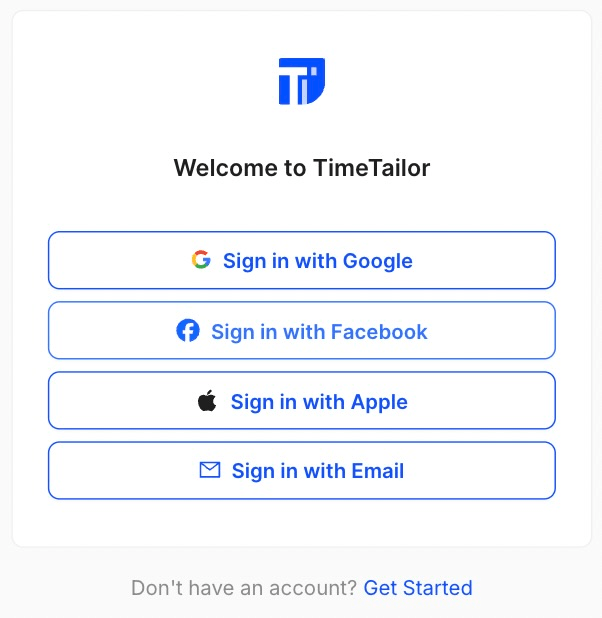
Choose an option, click on Forgot Password and enter the email address you used to create your TimeTailor account:
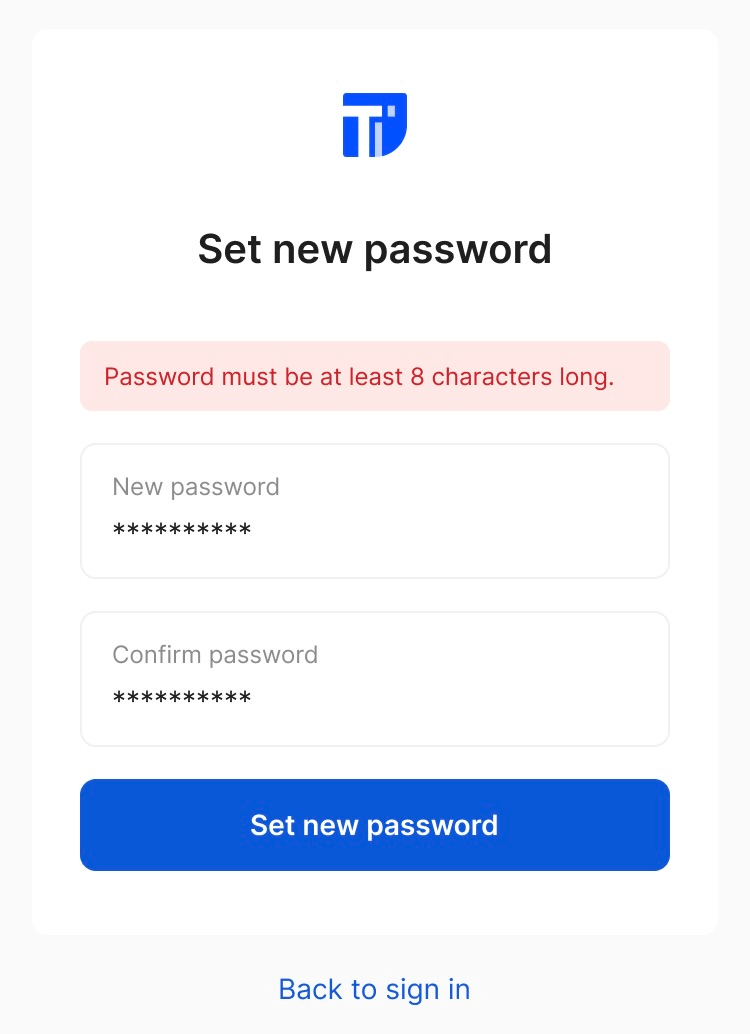
Afterwards, check your email inbox for the password reset link!
8. How can I delete my account?
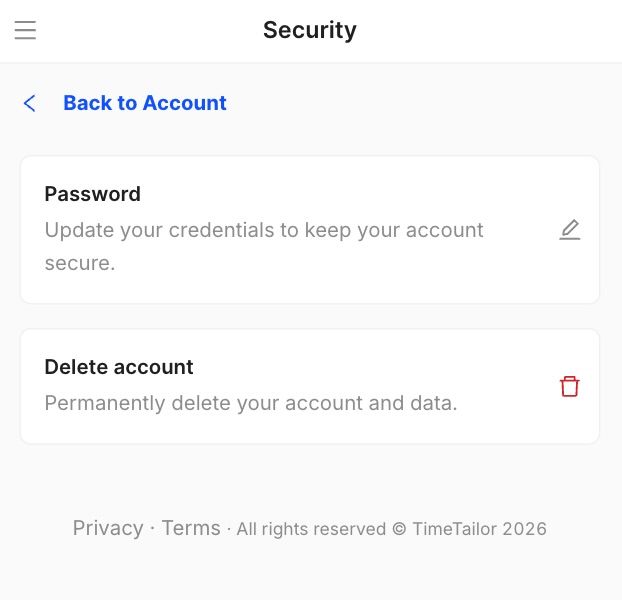
We’re always sorry to see you go, but we understand that sometimes it’s time to move on. To delete your account, head to the Account settings, press on Security, and click on Delete account:
9. How do I contact support for account-related issues?
For immediate assistance, you can contact our support team 24/7 via live chat! You can also email us at support@timetailor.com, and we’ll respond as quickly as possible.
Send your details - we do the rest!
We offer all you need for a thriving salon: website & logo creation, instant profile setup, 1:1 staff training payment system integration, intuitive appointment management, and more!
Start Now
TimeTailor’s salon appointment software is an all-in-one salon online booking system for freelancers and small business owners. We also optimize or create a website for your salon. This POS system allows you to take deposits and manage payments.