Salon Receipt Printing
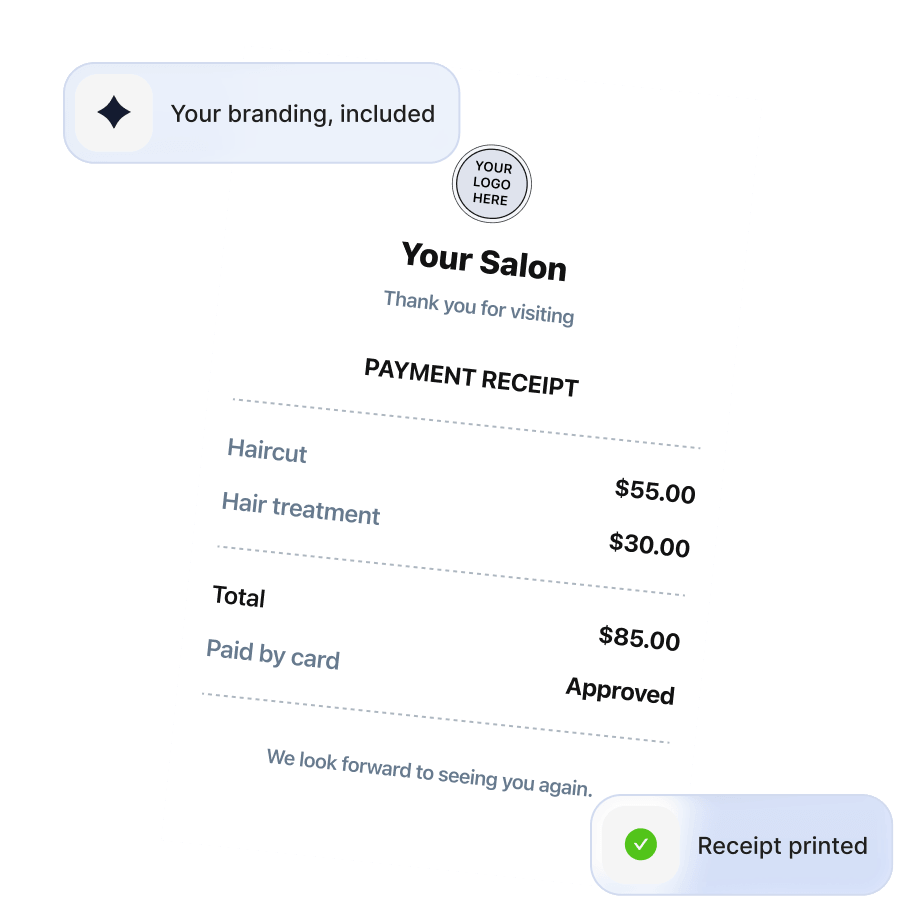
Choose the right setup for your business
Salon receipt printing app
Customize every receipt to showcase your unique business identity:


Customize every receipt to showcase your unique business identity:
Set up the printer your way
External printer
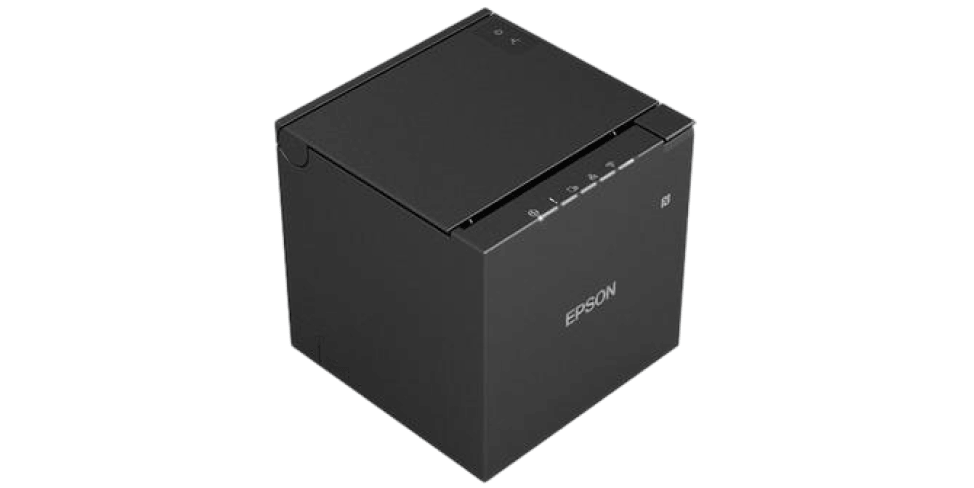
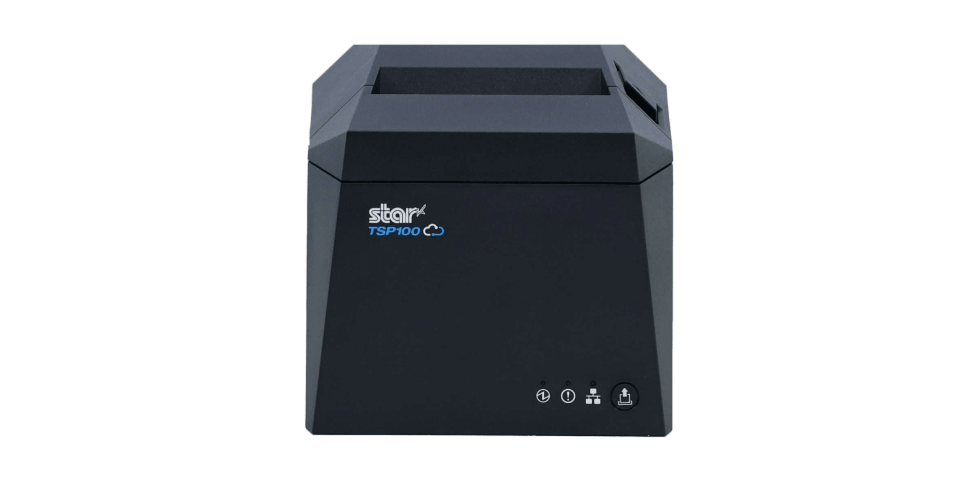
Connect an Epson or Star printer to your phone, tablet, or computer! Browser printing also works with any printer installed in your operating system, including other brands that support receipt images.
Sunmi all-in-one device
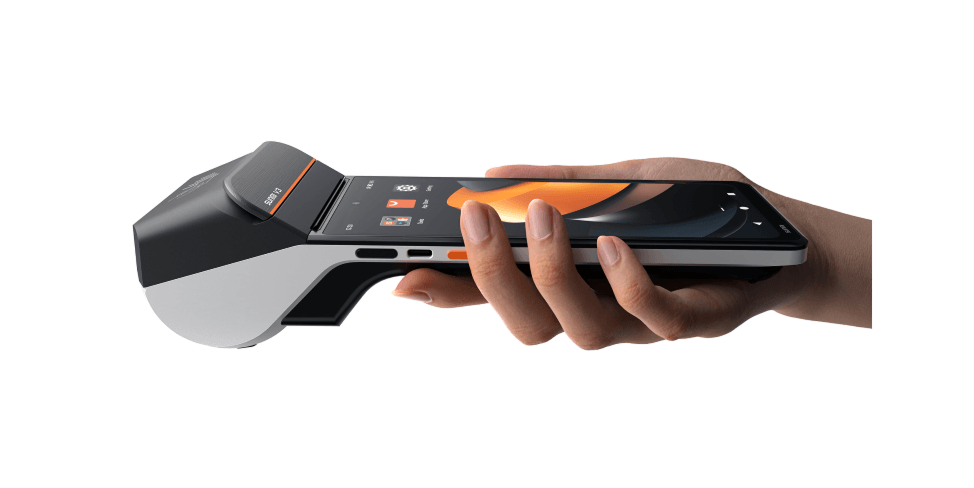
A SUNMI V3 or V3H brings together the TimeTailor salon appointment app, contactless payments, and a built-in 58 mm thermal printer! No additional setup or helper needed.
Choose a connection fit for your salon
Configure your Epson or Star printer
Connect your printer
Install the printing app
Set up your printer inside TimeTailor
Start printing
Configure your Sunmi device
Choose the right Sunmi device Step 1
Use a SUNMI V3 or V3H device with Android 13+, NFC, Google Mobile Services (GMS), and an integrated 58 mm printer.
Before purchasing:
Download TimeTailor & set it up Step 2
Make sure you have the TimeTailor salon management app installed on your Sunmi device!
Create an account or log in:
Download Now
Configure printing preferences Step 3
Start printing Step 4
Once everything’s set up, you can start using your new integrated device to print receipts! No ink or toner is required.
Recommended printer models
| Printer | Print Source | Connection | TimeTailor Status | Buy from Amazon |
| SUNMI Integrated Device | Built-in | Built-in | Certified | 
|
| Epson TM-m30III | Desktop browser & Native mobile app | USB, Ethernet, Wi-Fi, Bluetooth | Recommended | |
| Epson TM-T20 series | Desktop browser & Native mobile app | USB, Ethernet | Recommended | |
| Epson TM-T88 series | Desktop browser & Native mobile app | USB, Ethernet, Wi-Fi | Recommended | |
| Star mC-Print3 | Desktop browser & Native mobile app | USB, Ethernet, Bluetooth | Recommended | |
| Star TSP143IV family | Desktop browser & Native mobile app | USB, Ethernet, Wi-Fi, Bluetooth | Recommended | |
| Generic ESC POS printer | Bluetooth, LAN, USB | Best effort | - | |
| Any OS-installed printer | Desktop or mobile browser | Whatever OS supports | Supported via browser | - |
Download the right printer app
Epson TM Utility


Epson TM Print Assistant
Star Quick Setup Utility
Star PassPRNT
Send your details - we do the rest!
We offer all you need for a thriving salon: website & logo creation, instant profile setup, 1:1 staff training payment system integration, intuitive appointment management, and more!
Start Now
TimeTailor’s salon appointment software is an all-in-one salon online booking system for freelancers and small business owners. We also optimize or create a website for your salon. This POS system allows you to take deposits and manage payments.