Set Up Your TimeTailor Account
Everything you need to know about completing the onboarding process for your new salon software account!
Set Up Your Business in Minutes
Account
Business details
Opening hours
Services
Team
Clients
Appointments
Management app
1. Do I need an account to complete the onboarding process?
Yes, you do need an account to be able to begin the onboarding process! After creating your account (find out how), the setup is the last step before activating and starting to use our salon management software!
2. Can I use one account for multiple devices?
Yes, you can use one TimeTailor account for multiple devices (phone, tablet, computer), and the information remains synced across all of them! You can add as many team members as you wish and set personalized permissions to make sure everybody sees exactly what they need to.
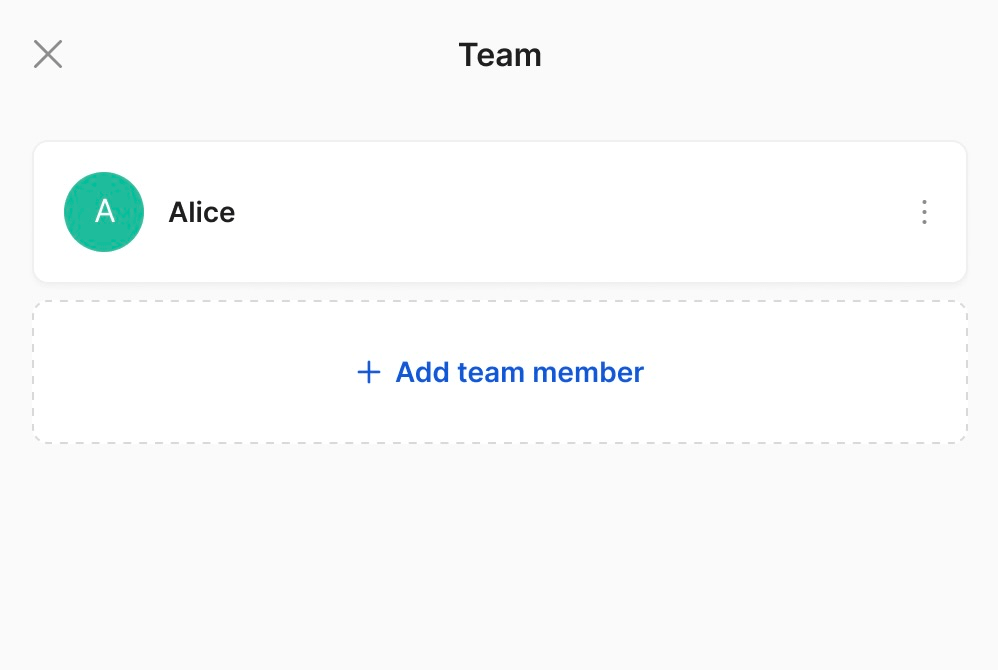
3. How do I add staff members?
We have a special step dedicated to adding your team members, their details, job titles, working hours, and the services they provide:
4. What do I do if my staff members have different working hours?
TimeTailor lets you manage staff schedules individually, so you can handle team members with different working hours without affecting the salon's calendar and flow!
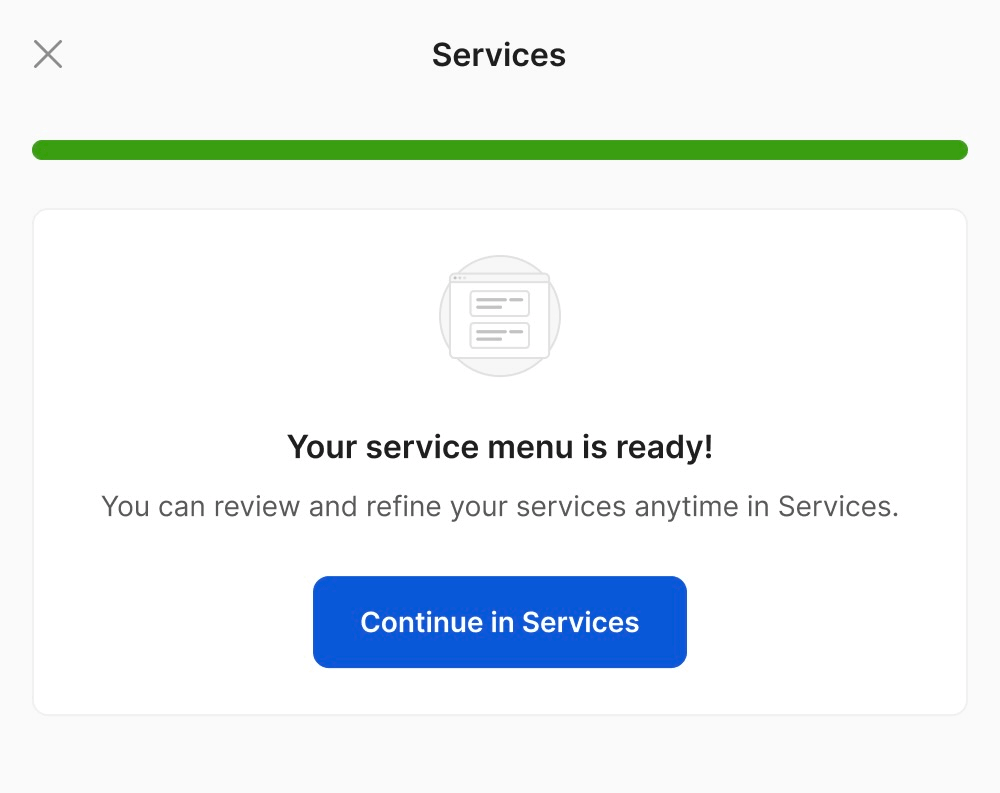
5. Can I automatically upload my service menu?
Of course! You can instantly upload your service menu during the onboarding process. Instead of inserting each option individually, this feature allows you to add the entire service list at once using either images or a CSV file:
6. I don't have time to upload the entire service menu, what should I do?
No worries, we understand your time is valuable! If you send us your service menu via live chat or email, our team will upload everything (images, descriptions, durations, prices) for you!
7. Can I change or update the service menu once I complete the onboarding?
Yes, you can absolutely change or update your service menu after you've completed the onboarding! All your information remains editable, so you can keep everything up to date as your business changes and grows!
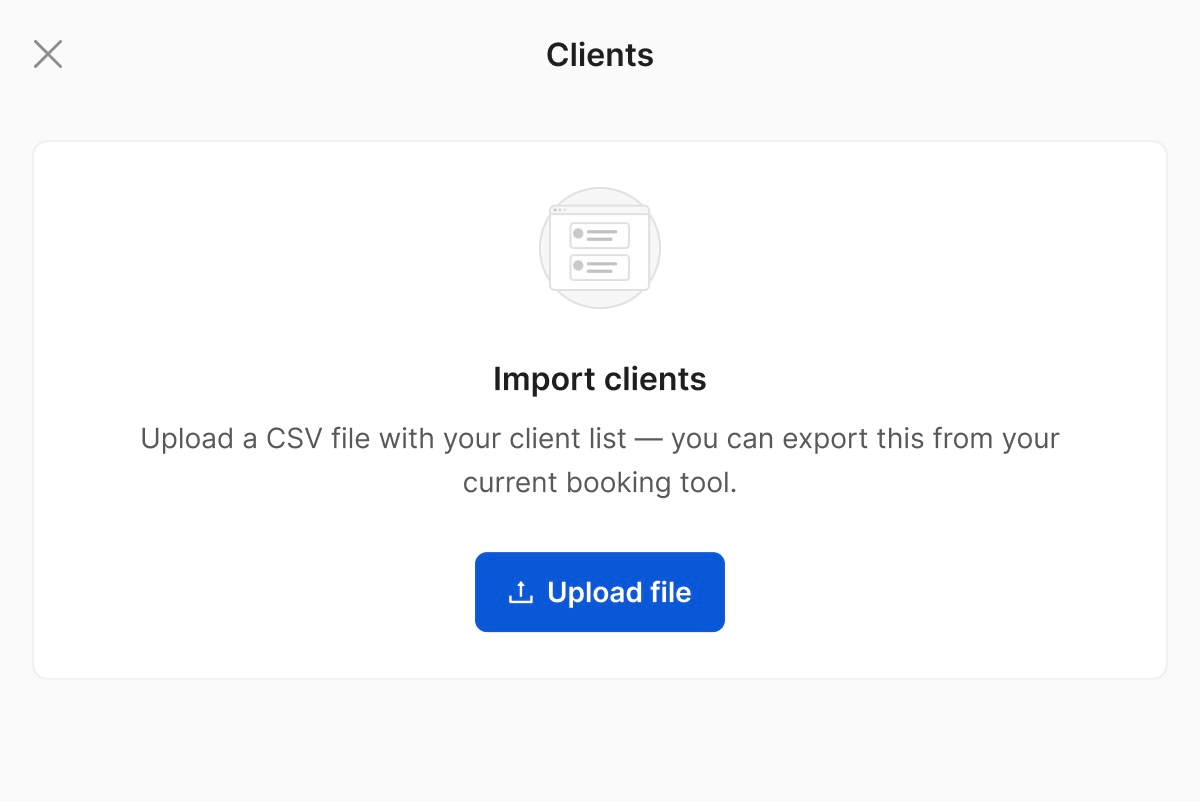
8. Can I import an existing client list?
Yes! In addition to the service menu, you can also import an existing client list into the salon booking software, so you don't have to add clients one by one. You can create a CSV file with details such as names, email addresses, and phone numbers, and upload it in a few seconds:
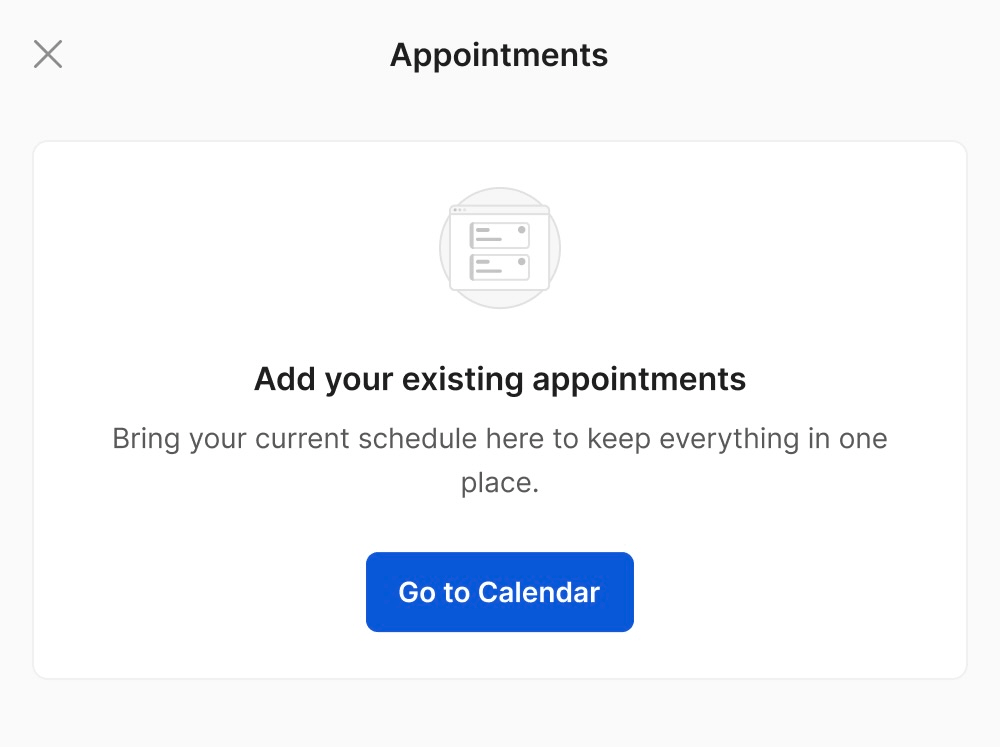
9. Can I import my existing appointments?
Yes! You never have to import every past or future appointment manually. By using our data import functionality, you can start exactly where you left off without needing to rebuild your calendar:
10. Can I change my salon details after I complete the onboarding?
Always! Once you're fully set up and your account is activated, the business profile isn’t locked. You can go back and change basic details (salon name, email, address, working hours, services, contact info, and more) whenever needed.
11. I can't find my language, what do I do?
If you can't find your language in the profile settings, please let us know in the live chat! We regularly expand our list based on demand, so if your language is not yet supported, it might be added to future updates.
12. What do I do if I forget my password and can't access my account?
All you have to do is go to the login page of TimeTailor on the website or inside the app:
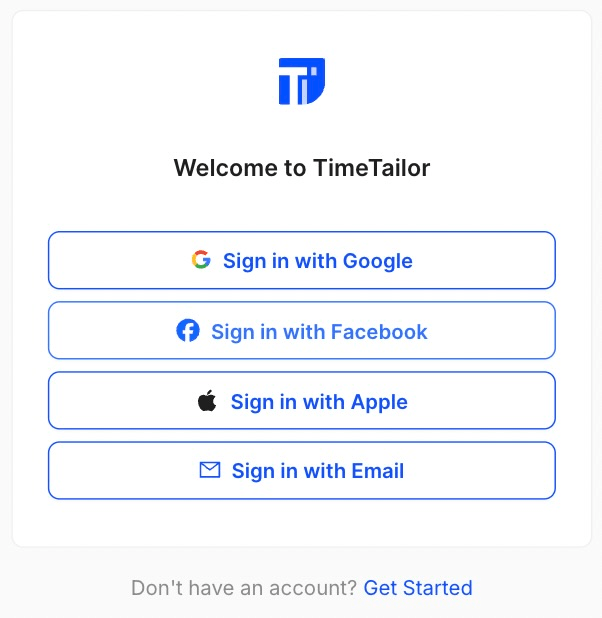
Choose an option, click on Forgot Password and enter the email address you used to create your TimeTailor account:
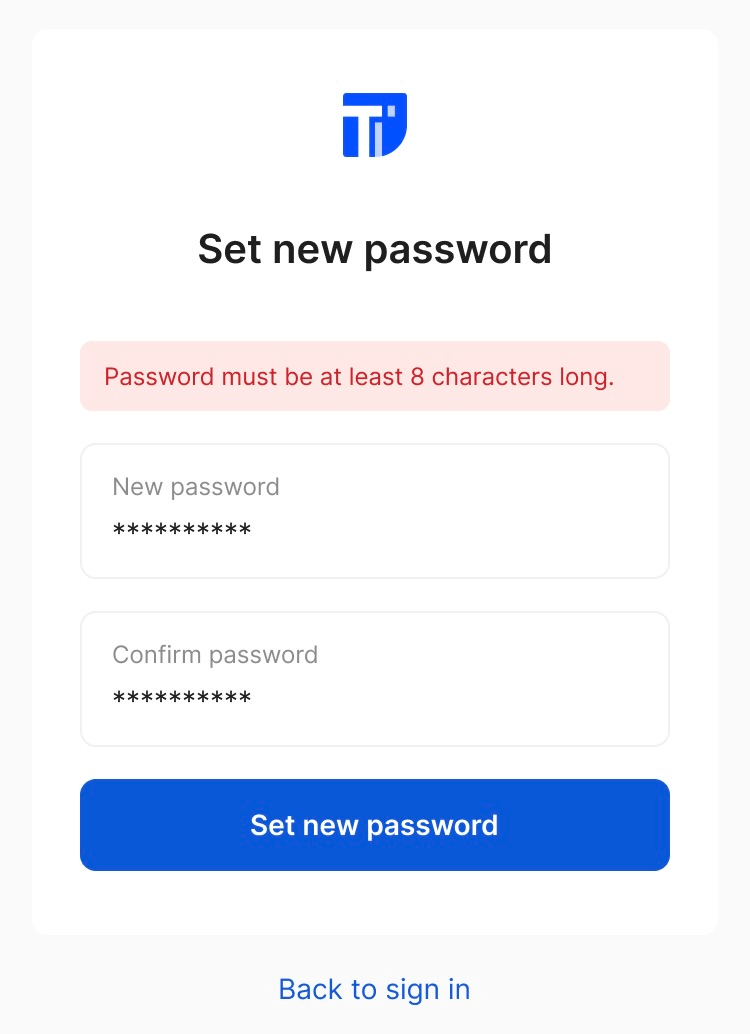
Afterwards, check your email inbox for the password reset link! If you don't remember what email address was used, please send us a message in the live chat, and we'll take care of everything as soon as possible!
Send your details - we do the rest!
We offer all you need for a thriving salon: website & logo creation, instant profile setup, 1:1 staff training payment system integration, intuitive appointment management, and more!
Start Now
TimeTailor’s salon appointment software is an all-in-one salon online booking system for freelancers and small business owners. We also optimize or create a website for your salon. This POS system allows you to take deposits and manage payments.